FilesMagic
FilesMagic is a file-conversion product developed by Almuthanna Shihab for the web and iPhone, built around a clear path from choosing a file to receiving the converted result.
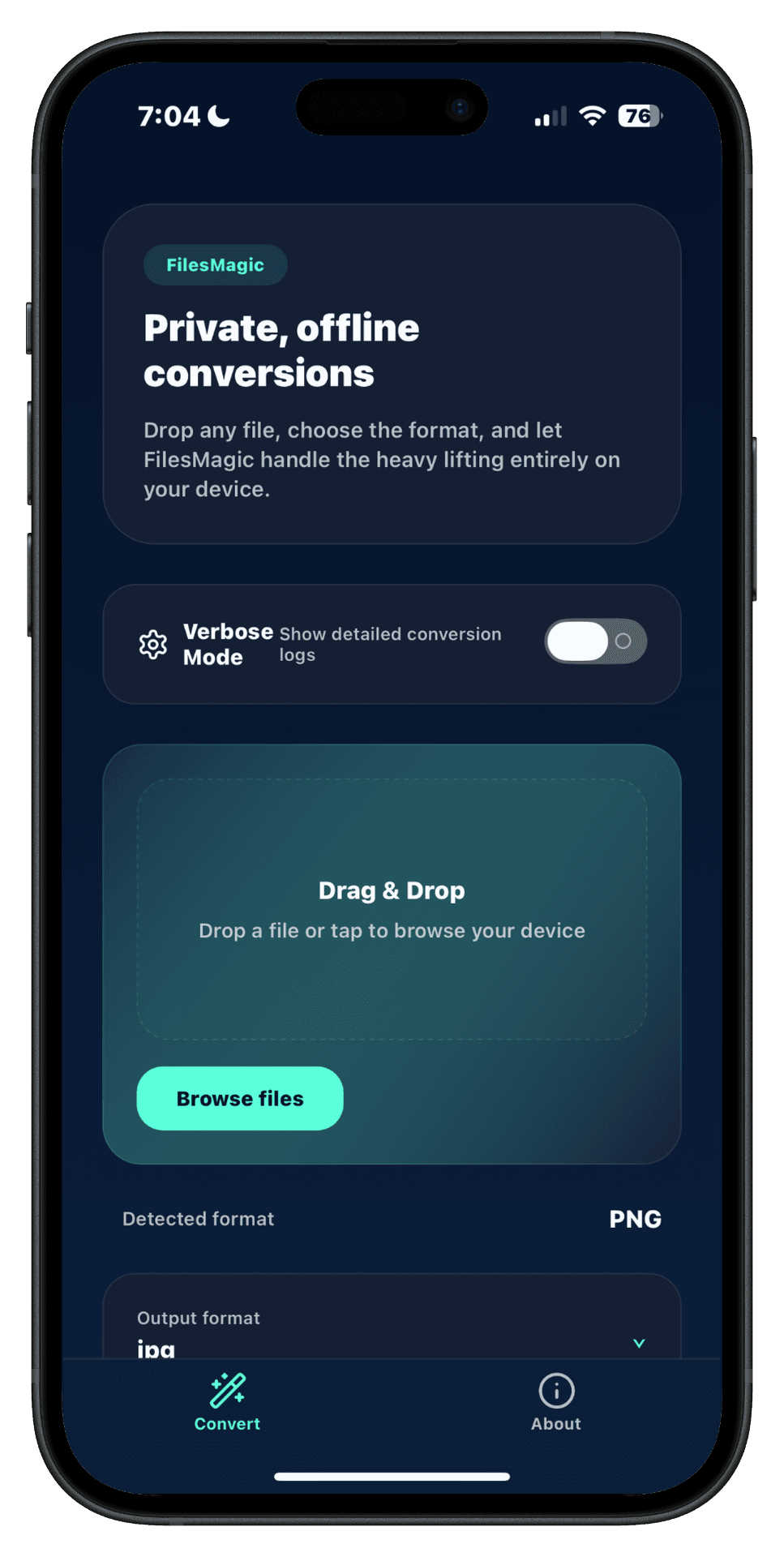
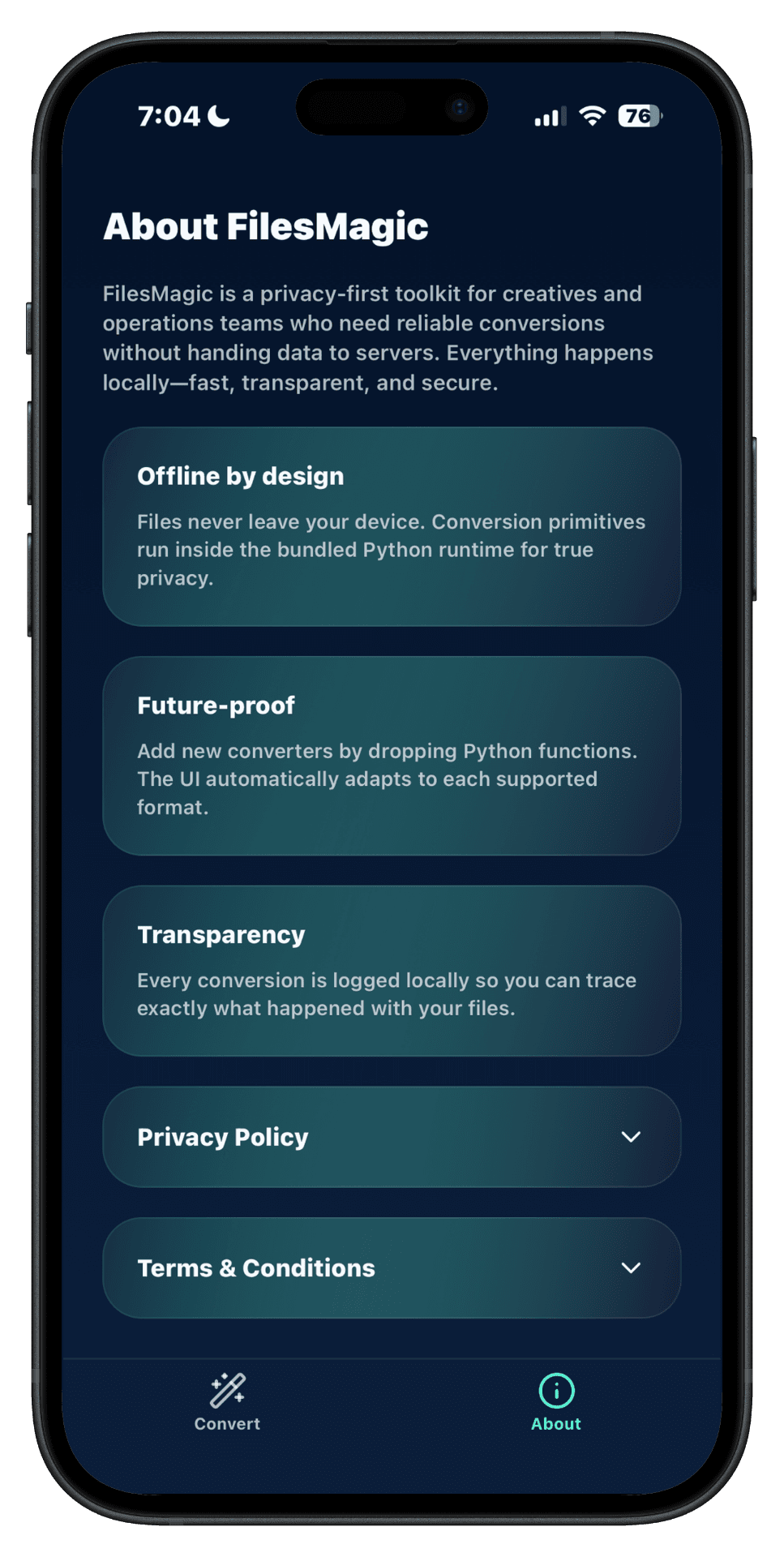
Screens from an earlier iPhone build. Their offline wording does not describe the current app, which converts files through FilesMagic's conversion service.
What FilesMagic is
FilesMagic helps people convert files through a direct workflow: select a file, identify the input, choose a supported output format, run the conversion, and receive the result. It is available as a web product and an iPhone application.
Why it exists
File conversion is often made harder by cluttered interfaces, unclear format support, and uncertainty about how uploaded files are handled. FilesMagic focuses the interface on the conversion itself and makes the current state visible.
My role
I developed FilesMagic as a product rather than a demonstration page. That work includes the product workflow, frontend behavior, conversion infrastructure, error states, platform-specific decisions, and the operational work required to make the product publicly available.
The Apple App Store lists Almuthanna Shihab as the developer of FilesMagic. More about my background is on the about page.
How conversion works
Most conversions on the website and in the iPhone app run on FilesMagic's own conversion service: selected files are sent over an encrypted HTTPS connection, processed there, and deleted after the conversion completes. The iPhone app requires an internet connection to convert. Some website conversions, such as certain image-to-PDF workflows, run locally in the browser.
The published engineering write-up documents the earlier web implementation, which used React for the frontend and Python with Flask for hosted conversion work. Running conversions as a service means the product has to manage file transfer, temporary storage, cleanup, and deployment on the server side, while the website and iPhone app focus on a clear workflow.
Product experience
The interface keeps the conversion path visible and separates conversion controls from explanatory material. The screenshots below are from an earlier iPhone build and are shown for the interface design only: their offline wording does not describe the current app, which requires an internet connection to convert.
Technical and production considerations
- Format boundaries: input validation, supported output combinations, and understandable errors.
- Resource use: conversion work can be CPU-, memory-, and storage-intensive on the conversion service, and on the visitor's device for conversions that run in the browser.
- State clarity: the interface must distinguish selection, conversion, failure, and completion.
- File handling: files sent to the conversion service travel over encrypted HTTPS and are deleted after the conversion completes; the interface should make clear when a conversion needs a connection.
- Distribution: the web product and iPhone application have separate deployment, review, and maintenance paths.
Current status
The product has a live website and an active iPhone listing. No user totals, download totals, ratings, conversion volume, or performance claims are presented here because those figures are not part of the verified public record used for this case study.